Install SSH
[Linux SSH Connection Deployment] This blog post discusses the Linux SSH connection method, which is also compatible with VSCode.
This blog post is based on this Youtube video: How to SSH into any VirtualBox VM with VS Code, by Code Different:
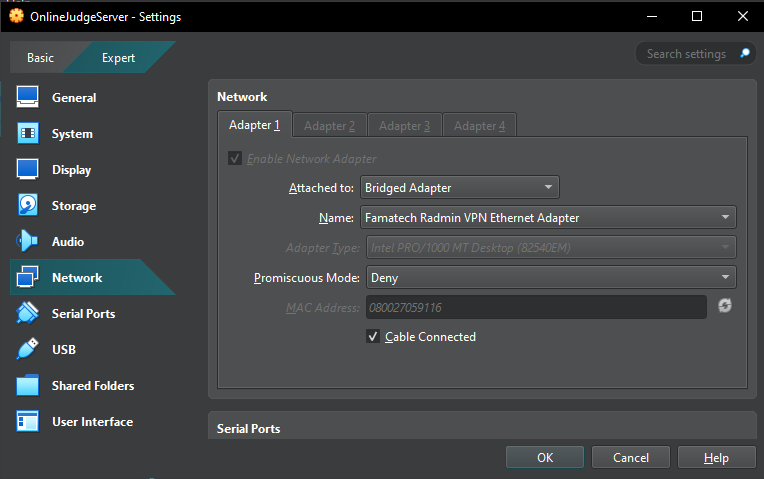
If you're using Virtual Machines, you must set the "Network: Attached to:" option to "Bridged Adapter". Otherwise, the connection won't work.
To check the availability of the SSH System, use the following command:
$ sudo systemctl status ssh
There're 3 cases:
- Active;
- Inactive;
- Error Occurred.
If an error occurs, you probably haven’t installed the SSH Service Package yet.
To install them, use the following command with Administrator Permissions:
$ sudo apt install openssh-server
If it is inactive, activate it with this command:
$ sudo systemctl enable ssh --now
Recheck the status with the first command. If it shows Active, then you’re good to go!
Connect with:
(user)@(ip)
To get the static IP, use:
$ hostname -I